How to Redeem Wings Fight Codes
HUD hunting, copy-paste discipline, missing UI troubleshooting, and scam checks for Clickingg’s aerial fighter.
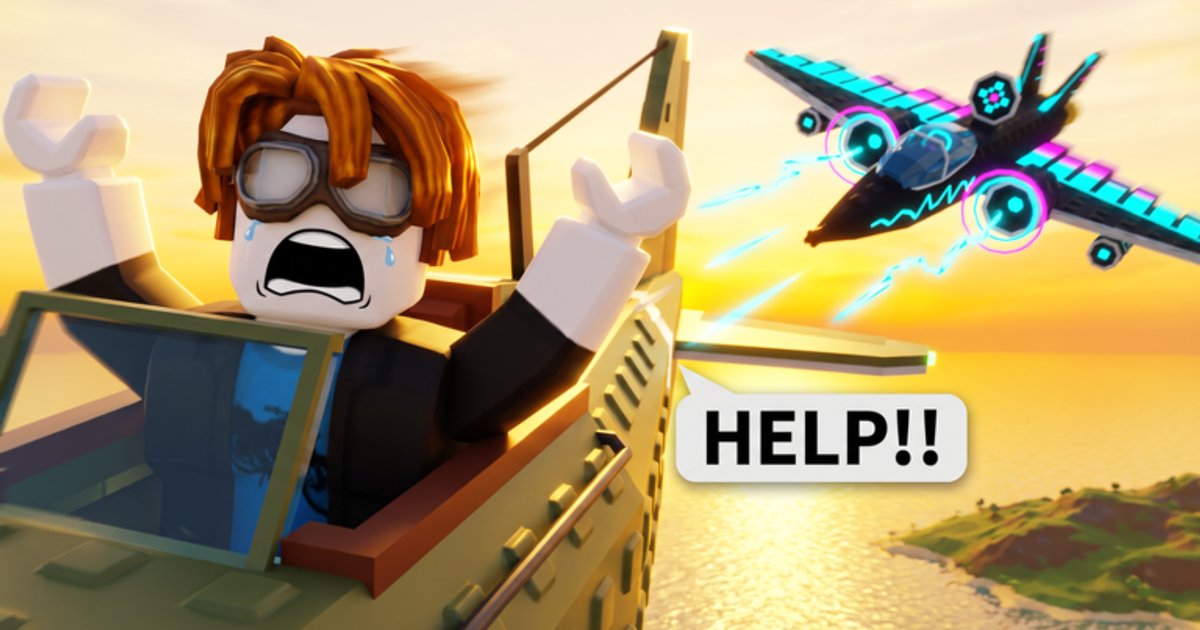
Promo codes are optional speed bumps on the free-to-play path in Wings Fight, Clickingg’s Roblox arcade aerial combat game with 30+ airplanes, mid-air repairs, and special abilities. When a working string exists, redeeming it correctly matters as much as finding it: mistyped characters, wrong UI panels, and phishing “generators” waste more time than a quiet codes board ever will. This page is the step-by-step redeem guide. For the living list of confirmed codes (or an honest empty board), stay on the Codes Hub.
As of a late November 2026 recheck, no durable public promo-code table has been verified for this wiki to publish as active. That does not make redemption knowledge useless. Launch titles often add a Codes button in the same patch that ships the first string. Learn the hunt now so you are ready when Clickingg posts one.
Before you redeem — confirm you are in the real game
- Open the official Wings Fight experience (placeId
88661816960259). - Confirm the creator group is Clickingg (owner mention: MisfitsBStheFourth elsewhere on Roblox surfaces).
- Join a live server and wait until the hangar / sky HUD fully loads — redeem UIs often appear only after spawn.
Mirror places and lookalike thumbnails appear around rising Roblox fighters. Redeeming on a clone does nothing for your real hangar and can expose you to fake shop prompts. When unsure, return via the Official Links hub.
Step-by-step redemption checklist
Use this loop every time a code surfaces:
- Join Wings Fight on PC, mobile, or console through the Roblox app. Stay online long enough for UI widgets to finish loading.
- Hunt the redeem entry. Scan the HUD corners, pause / Settings menus, shop tabs, and any seasonal banner. Common Roblox aerial-game labels include Codes, Twitter / X, bird icons, Gift, Redeem, or a promo strip inside the shop.
- Open the panel and find the text field. If the button opens an empty shop instead, keep scanning — early patches sometimes ship a stub entry.
- Copy the code from a trusted source, then paste. Prefer clipboard paste over typing. Watch trailing spaces, confusing
0vsO, and1vsl/I. - Submit once, then wait several seconds. Double-tapping can look like failure when the first submit already granted the reward.
- Verify the reward in currency counters, plane inventory, ability slots, or any claim / mailbox UI the update added.
- Note expiry. Launch and milestone codes often die after a weekend or the next client update. Do not hoard screenshots as truth forever.
If the game returns invalid, expired, or already redeemed, stop spam-pasting. Fix the string or accept that the drop is dead. Retrying the same bad code across alt accounts rarely helps and can trip rate limits.
HUD hunting tips for aerial combat UIs
Arcade fighters pack a lot into a small HUD: throttle, guns, ability cooldown, and repair glows compete for space. Codes buttons are easy to miss.
- Corner icons first — bird, gift, ticket, or speech-bubble shapes are frequent redeem entry points in Roblox combat titles.
- Shop and hangar — open buy menus between lives; promo tabs sometimes sit next to plane cards rather than on the flight HUD.
- Pause / Esc menus — Settings-adjacent pages often hold Codes on mobile and console where screen space is tight.
- Event banners — after a patch that mentions free gifts, tap the banner before assuming no redeem UI exists.
- Rejoin once — if friends see a Codes button and you do not, a soft UI desync after an update is common; leave and rejoin the experience.
Exact labels can change after early Clickingg patches. Treat Settings and the live HUD as authoritative, not a week-old YouTube overlay.
Copy-paste discipline (where most “broken codes” die)
Most failed redeems are human error, not a broken game:
- Copy from plain text when possible; image OCR invents characters.
- Paste into Notepad (or Notes) first if your clipboard adds a trailing newline.
- Do not “fix” a code into something that looks cooler.
- Respect capitalization and hyphens exactly as posted by the creator surfaces.
- Never paste a code into a browser URL bar or a random website login form.
Legitimate Wings Fight rewards stay inside the experience economy — currency, repairs, planes, abilities, or cosmetics the shop can already grant. Anything promising free Robux, password resets, or “admin planes” is a scam. See safety notes below and on the Codes Hub.
What to do when the Codes UI is missing
A missing panel usually means one of three things:
- No public codes are live yet — the most common situation for a title that launched November 4, 2026 and is still early.
- The button moved after a UI pass — recheck shop, pause menu, and banners.
- Client lag / soft lock — rejoin; confirm you are not in a loading hangar that never finished.
Do not install a browser extension, executor, or “auto claimer” to force a missing UI. That path leads to account risk, not free currency. If progression feels slow while codes stay quiet, use fair loops from Getting Started, Currency Farming, and hangar planning in the Planes Guide. Mid-air repairs and special abilities already act like free power when you route them well — see Abilities & Repairs.
Where real codes usually appear first
When Clickingg does drop a string, discovery order is typically:
- The official Roblox game page description or update posts
- Clickingg group wall / shouts
- In-game banners tied to a patch or milestone
- This wiki’s Updates Hub when we can confirm a drop alongside balance notes
Cross-check at least two signals before trusting a video comment or Discord DM. Launch-week misinformation spreads fast around new Roblox fighters. We do not invent codes on this page; if the Codes Hub is empty, treat that as honesty, not a broken wiki.
Scam warnings — redeem only inside Roblox
- Never enter your Roblox password on a third-party “code generator.”
- Never trade account access for “exclusive launch codes.”
- Never install random extensions that claim to auto-claim Wings Fight rewards.
- Ignore DMs that require an off-platform login to “verify” a code.
- Bookmark Codes and Official Links instead of ad-heavy aggregator sites that recycle expired lists.
If a stranger claims they are staff from Clickingg and needs your account to restore purchases, they are not. Report phishing through Roblox’s normal tools, then return to a known-good bookmark.
After a successful redeem — spend with a plan
Free currency feels urgent. It is still currency. Prefer:
- Confirm the reward landed.
- Check whether a shop discount or balance note just landed on Updates.
- Buy one meaningful upgrade that fits your role — not five novelty frames. Use the Tier List and Planes Tier List before impulse spends.
- Learn the new airframe for several lives before judging it “bad.”
Codes are a bonus layer on top of dogfight skill. They do not replace energy management from the Combat Guide or lobby habits from Players.
Mobile and console redeem notes
On touch devices, Codes buttons can hide under enlarged combat widgets. Open the pause menu between lives, rotate to landscape, and look for gift / bird icons near the shop. On controller, highlight UI with the stick carefully — accidental shop purchases feel worse than a missed code. If paste is awkward on console, type slowly and verify each character against the official post before submitting. Broader device tips live in Controls and the mobile/console guide when you need fight-feel help after redeeming.
Keeping redemption knowledge current
Wings Fight’s last Roblox-visible update window around November 12, 2026 shows how fast early clients move. Recheck the redeem HUD after every Clickingg patch. When active codes exist, the Codes Hub will list strings we can confirm; this how-to page stays focused on process so you never miss a drop because you hunted the wrong corner of the sky HUD.
Clear skies — paste carefully, verify rewards, ignore generators, and let free value accelerate a real hangar plan instead of a scam side quest.
Frequently Asked Questions
Quick answers to the most common questions.
How do I redeem codes in Wings Fight?
Join the live experience, open a Codes, Twitter/X, bird, gift, or shop promo panel, paste the string exactly, submit once, then verify currency or inventory. Confirm labels in the live HUD after patches.
Are there working Wings Fight codes right now?
As of a late November 2026 recheck, no durable public promo-code list was verified for this wiki. Check the Codes Hub and Clickingg surfaces after each update; we only publish confirmed strings.
Why is there no Codes button on my HUD?
Often no public codes are live yet, or the entry moved into shop/pause menus after a UI pass. Rejoin once, scan banners, and avoid third-party “auto claim” tools.
Can a Wings Fight code give free Robux?
No. Legitimate codes only grant in-experience rewards. Anything promising Robux, password resets, or admin planes is a scam.
What should I do if a code says invalid or expired?
Stop spam-pasting. Recopy carefully, remove spaces, verify the string against the Roblox page or Clickingg group, and assume dead codes stay dead unless officially still advertised.